

Since PCs began to become more popular, viruses have unfortunately grown with them. These are programs whose purpose is to carry out illegal actions on a system, such as accessing and stealing sensitive data, or simply damaging the user’s Windows.
Among the types of virus, malware has become the most popular over the years. And among them, we have the “worm” whose function is to spread across a network, whether private or corporate, with the aim of contaminating more and more computers, making it one of the biggest threats today.
Today we’ll explain a little more about this malware, how it can infect your PC and ways to avoid this problem. Check it out:

What is a Worm?
In a direct translation, Worm means “worm” in Portuguese. And just like the invertebrate animal that lives under the ground, malware has a habit of acting inside the system and contaminating computers, causing major performance problems. This is because the virus consumes a lot of OS resources, which leads to slowdowns and even increased data flow over the network.
The first worm appeared in the 1990s, more precisely in 1998. At the time, it managed to infect around 6,000 of the 60,000 PCs that were connected to the ARPANET, the network that later gave rise to the internet we use today.
How can a worm contaminate a machine?
And just like technology, this malware has also evolved and added other malicious functions. These include the possibility of infecting computers via external devices such as USB sticks and hard drives. In addition to contaminating the system with what we call a “Trojan horse”, an infection inside an apparently harmless application that steals data and personal information from the contaminated PC.
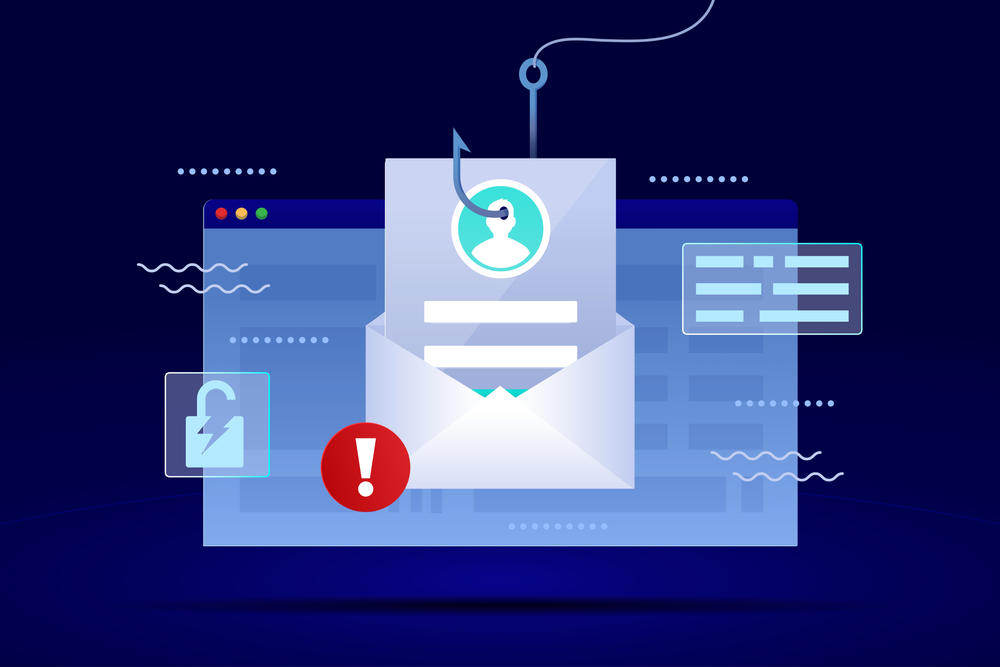
Another popular form of contamination used by worms is by e-mail. They are usually sent by unknown senders with a link to a website that will infect the machine, or with an attachment containing the virus. There are also some cases in which the malware takes over a user’s inbox, sending itself to spread the virus to registered contacts. As a result, the recipient receives an email from someone they know and ends up opening the attachment or accessing the malicious link.
Not even instant messengers such as Messenger, WhatsApp and Skype are free from the threat. In many cases they send messages with catchy phrases so that you click on the malicious link. If the victim falls for the scam, there is a high risk of contaminating the PC or cell phone on which the connection was made.
And finally, not even the virtual currency craze is free of problems. Lemon Duck, for example, is malware that affects the cryptocurrency mining process. It takes control of the user’s Microsoft Outlook and sends emails with malicious content to infect other PCs. Bondat, another cryptocurrency mining malware, spreads via devices connected to the victim’s USB port.

How can you avoid being infected by a worm?
To protect yourself from malware attacks, you first need to have a routine that involves safe internet browsing. As well as having a good antivirus that is always up to date, you need to get into the habit of always being suspicious of suspicious actions in your day-to-day life with your PC:
- Always keep an eye out for emails from unknown recipients and never open attachments or access links they send.
- Be wary of emails from stores and services that have a different address to the one they use. For example, Mercado Livre, Americanas and Submarino don’t send emails with @gmail.com, @hotmail.com or any other popular server. Generally, the email domain is the same as the main website.
- Avoid opening attachments with the extension .zip, .rar or even .exe. Even if they are sent by known contacts, they may have been contaminated and are unknowingly spreading the malware.
- When it comes to websites, always be wary of those that promise tempting content, such as free movies and software, or the promise of easy money.
- And finally, never enter an unknown site that your browser or even the antivirus alert identifies as “unsafe”.
Now that you know how a worm works and, above all, the risks it poses to your PC, create habits to use the Internet in a safer way and avoid problems on a daily basis.
Via Tecmundo